让我们通过例子来学习Phalcon
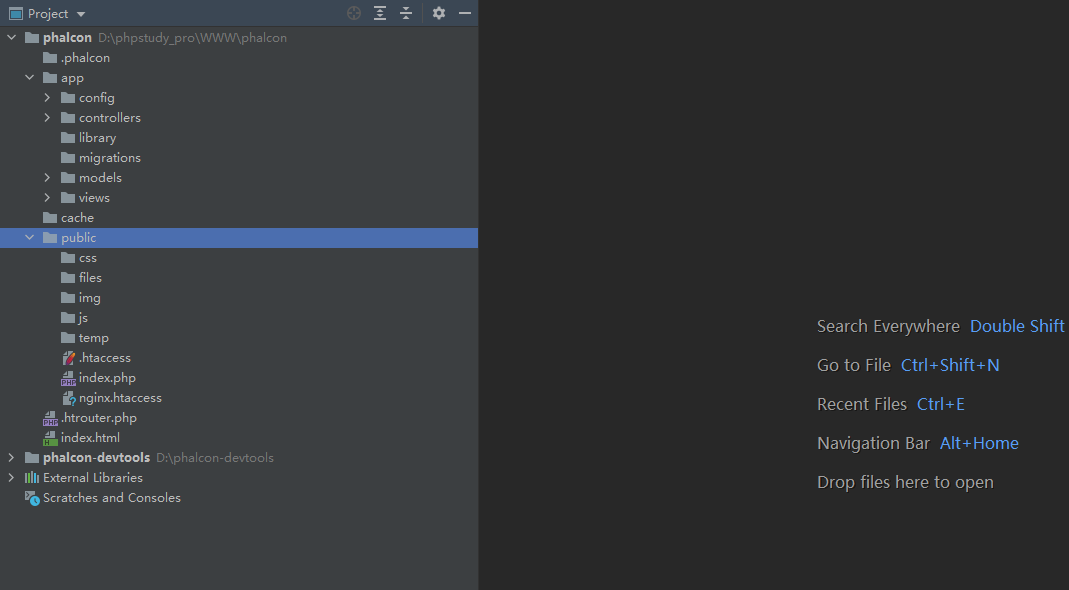
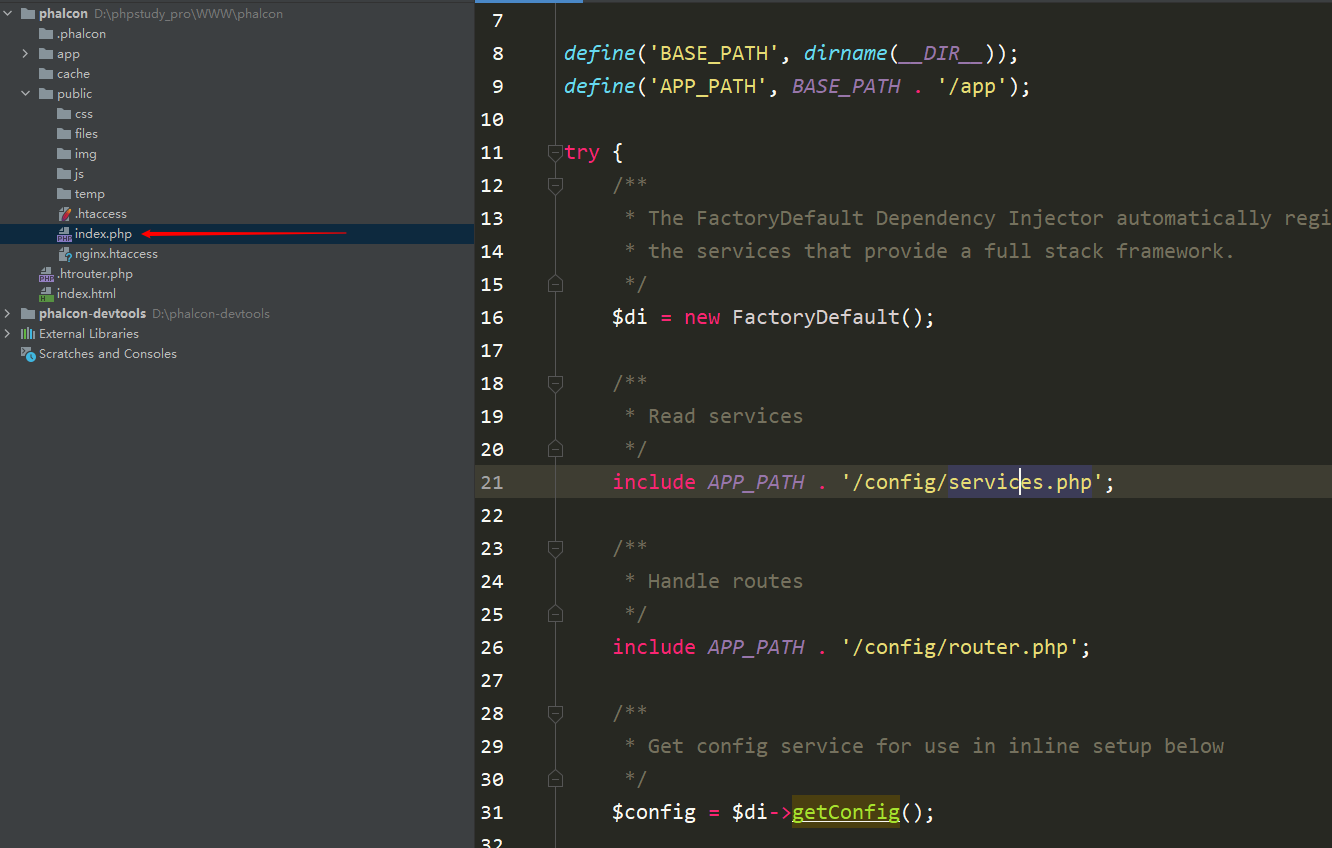
server {
        listen        80;
        server_name  www.kakaweb.com;
        root   "D:/phpstudy_pro/WWW/phalcon/public";
        index index.php index.html error/index.html;
	    location / {
	        try_files $uri $uri/ /index.php?_url=$uri&$args;
	    }


        location ~ /.php(.*)$ {
            fastcgi_pass   127.0.0.1:9002;
            fastcgi_index  index.php;
            fastcgi_split_path_info  ^((?U).+/.php)(/?.+)$;
            fastcgi_param  SCRIPT_FILENAME  $document_root$fastcgi_script_name;
            fastcgi_param  PATH_INFO  $fastcgi_path_info;
            fastcgi_param  PATH_TRANSLATED  $document_root$fastcgi_path_info;
            include        fastcgi_params;
        }

	    location ~ //.ht {
	        deny all;
	    }}
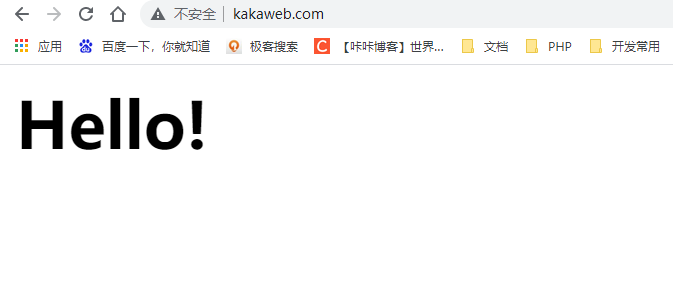
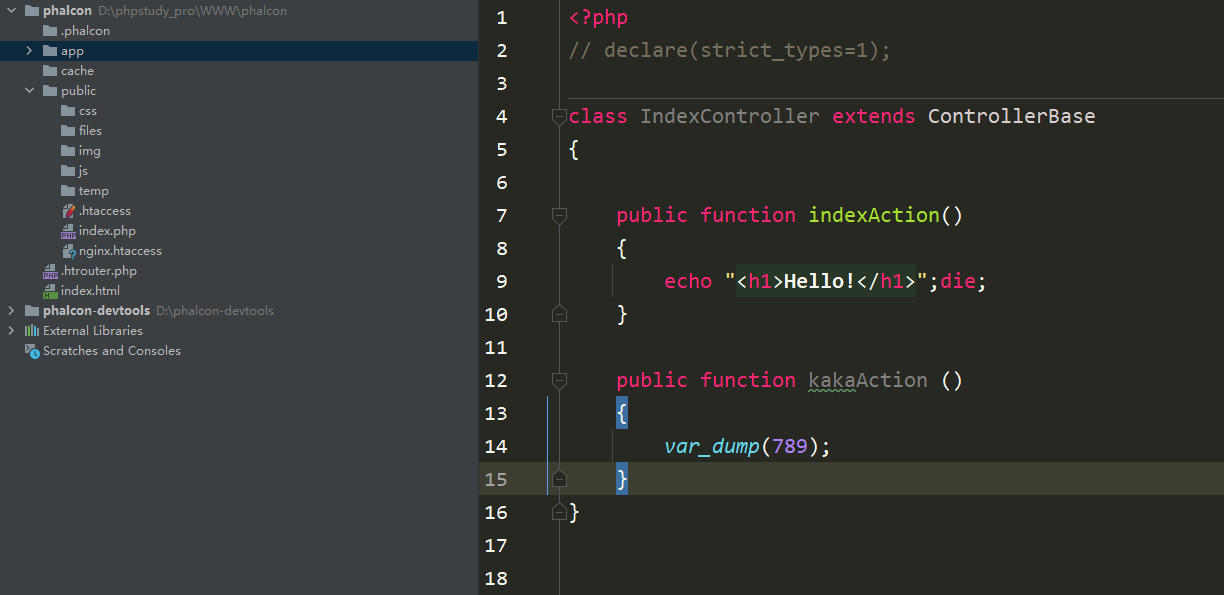
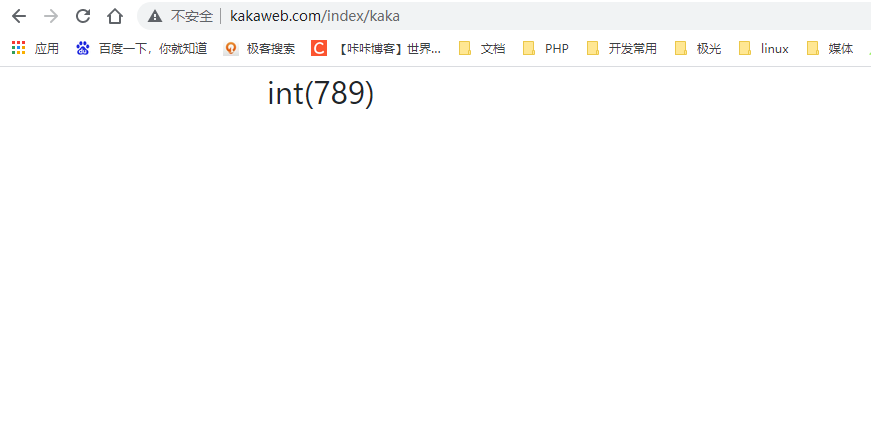
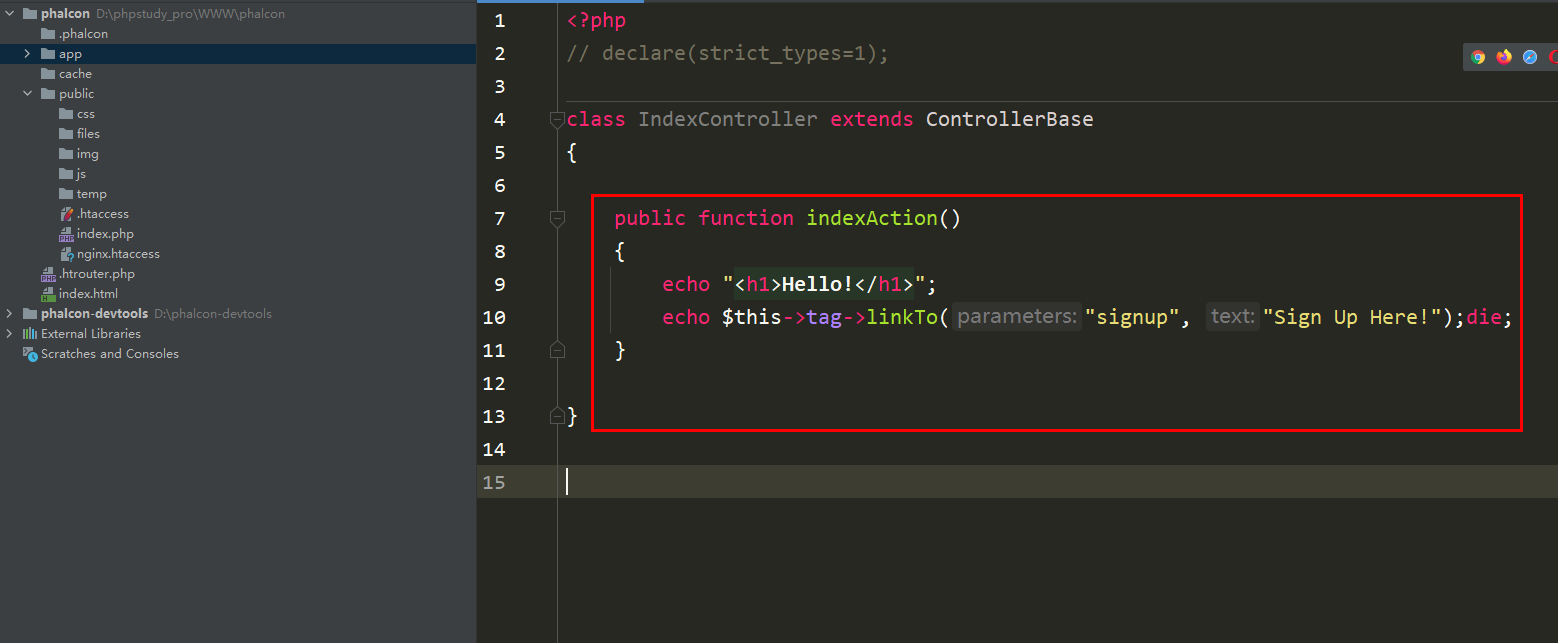
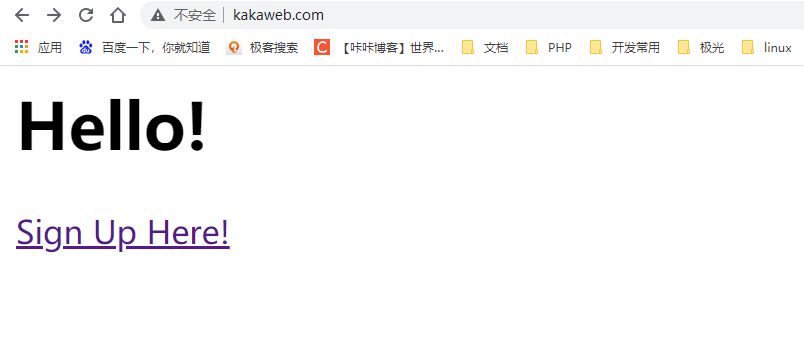
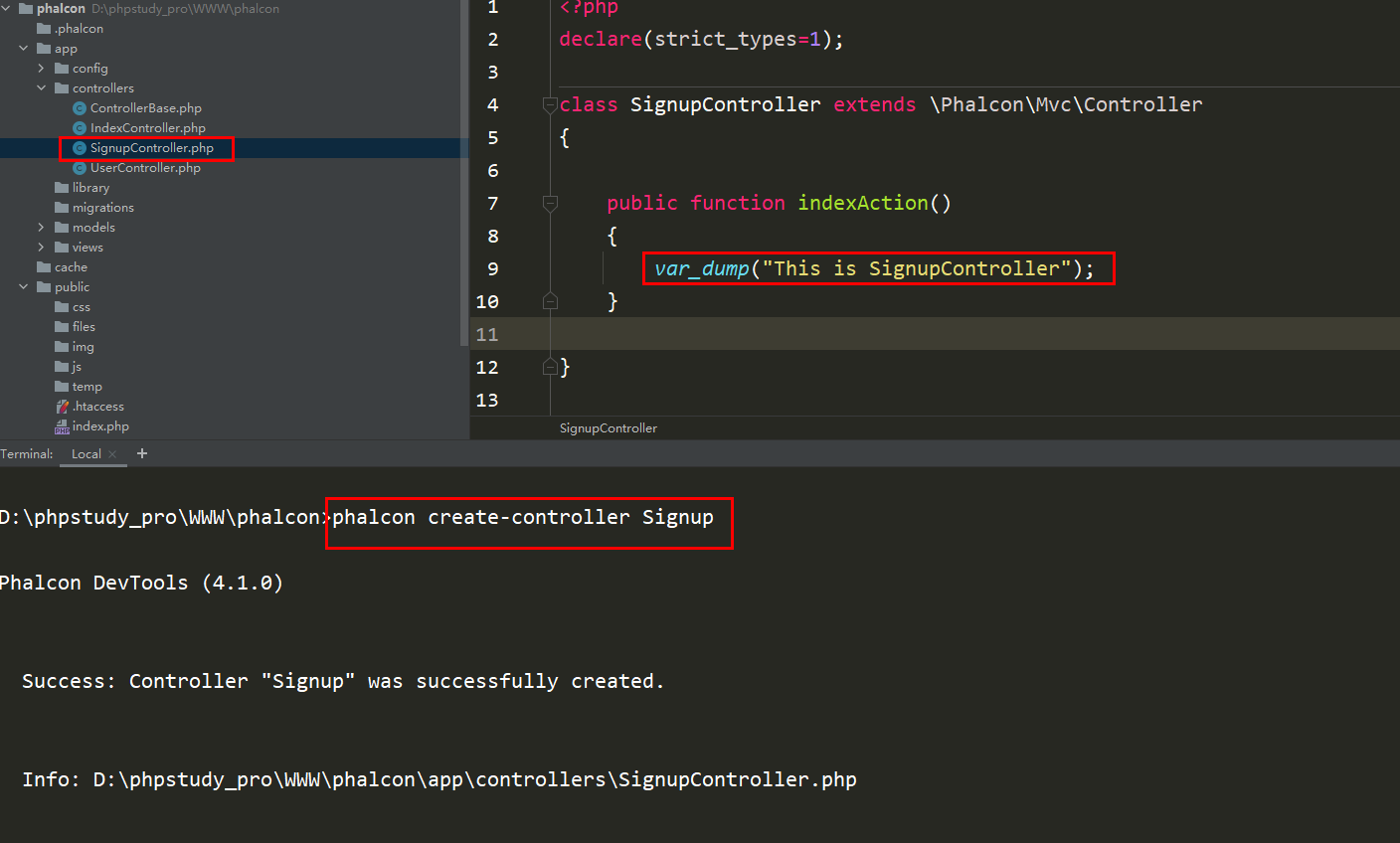
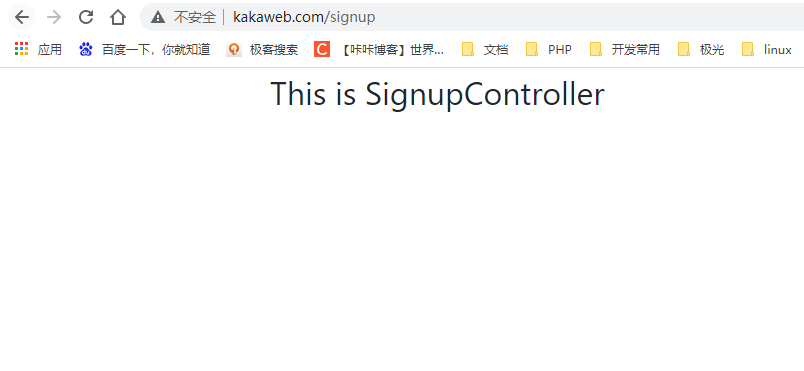
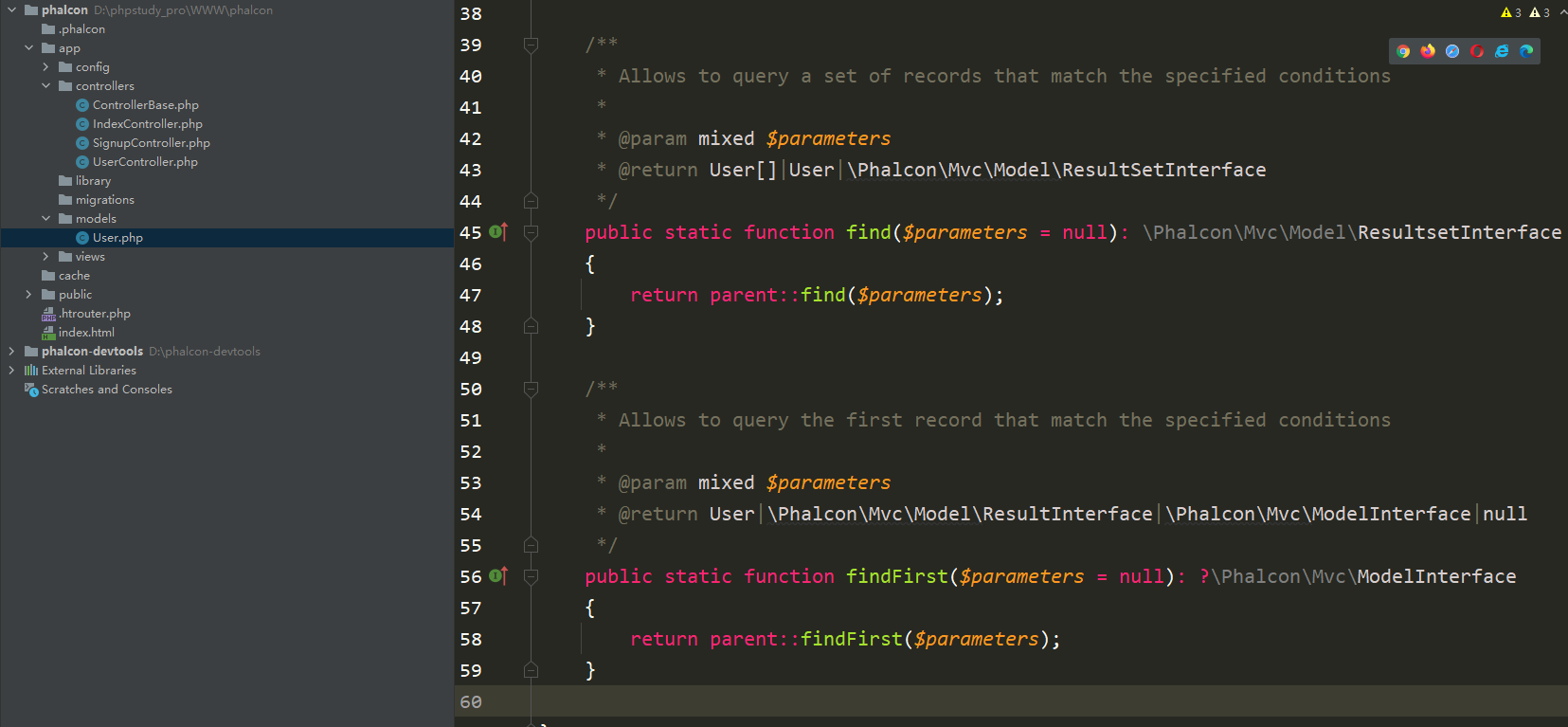
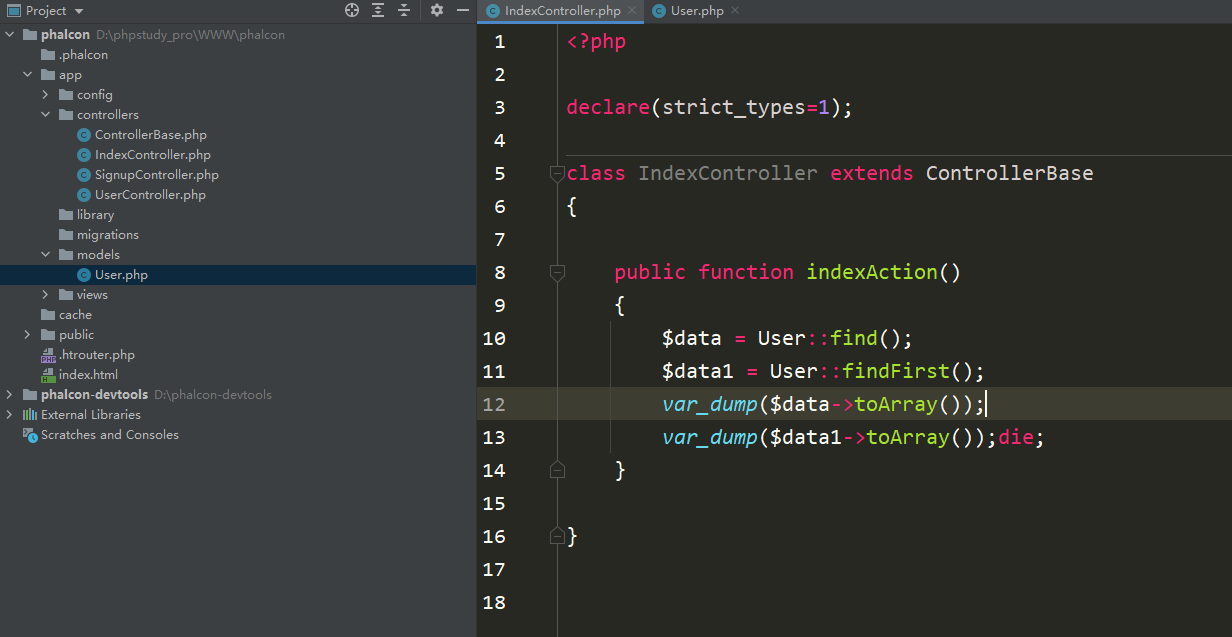
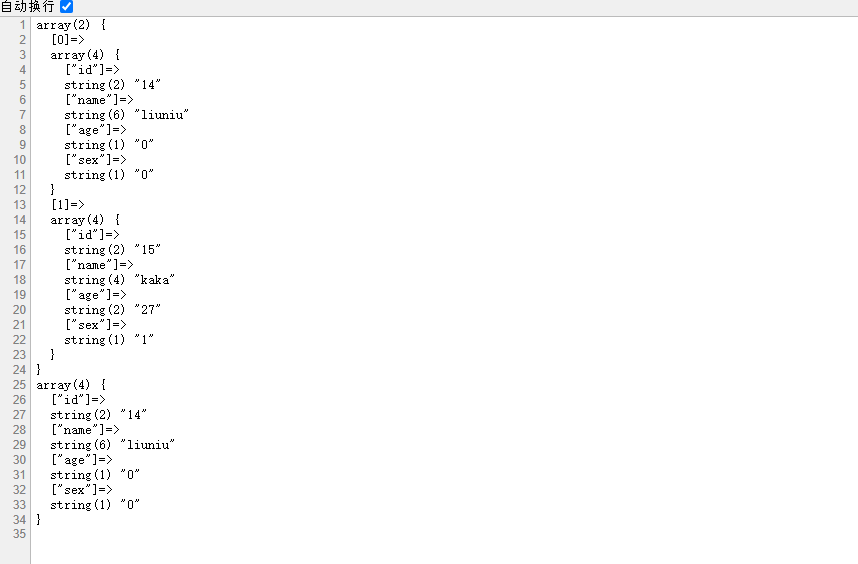
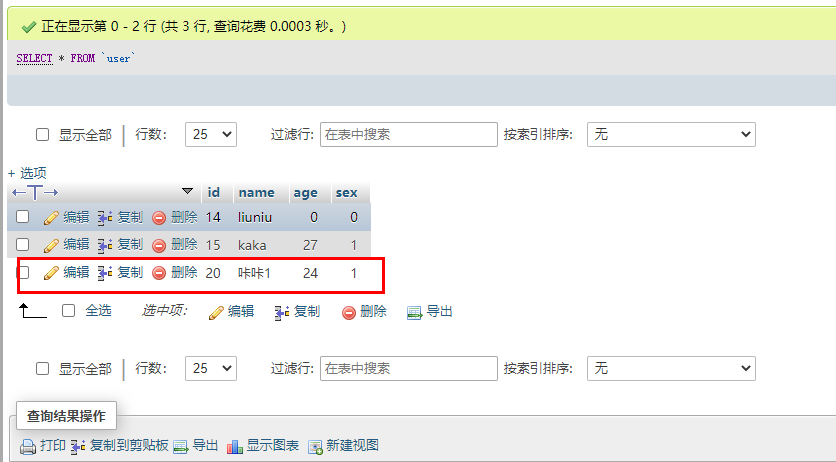
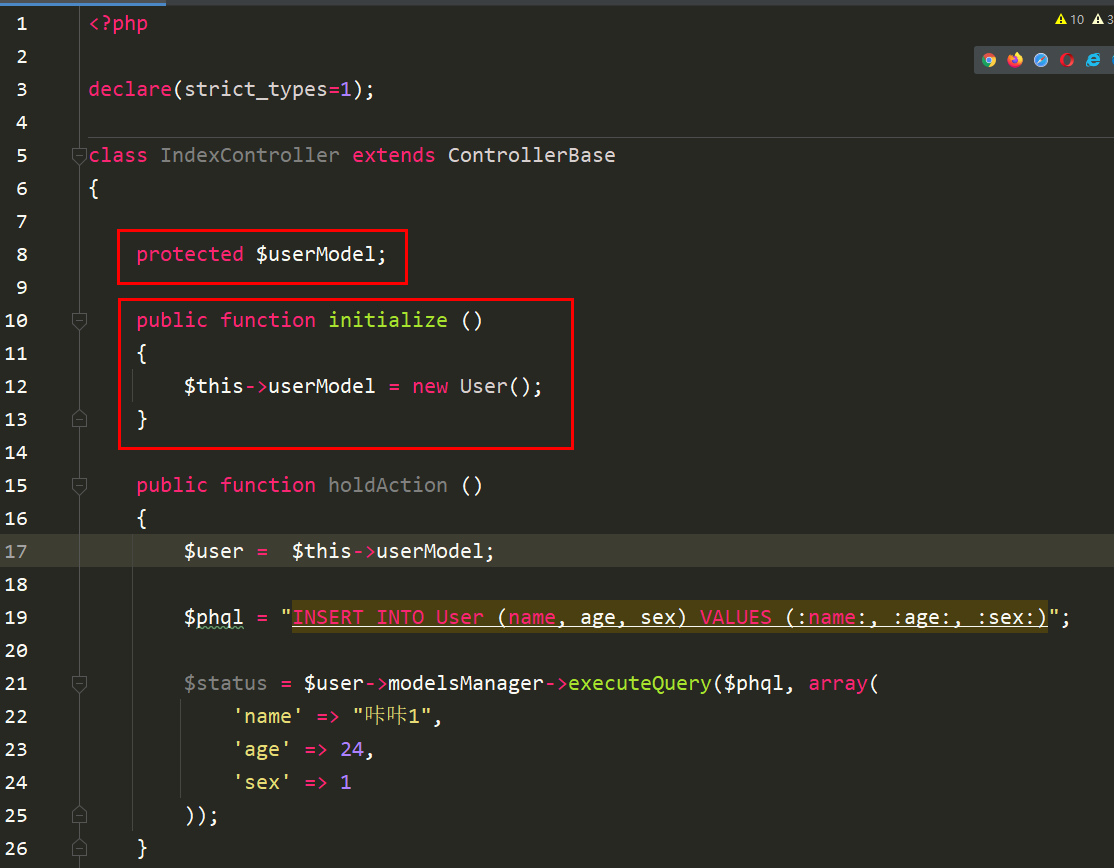
    public function holdAction ()
    {
        $user = new User();

        $phql = "INSERT INTO User (name, age, sex) VALUES (:name:, :age:, :sex:)";

        $status = $user->modelsManager->executeQuery($phql, array(
            'name' => "咔咔1",
            'age' => 24,
            'sex' => 1
        ));

    }
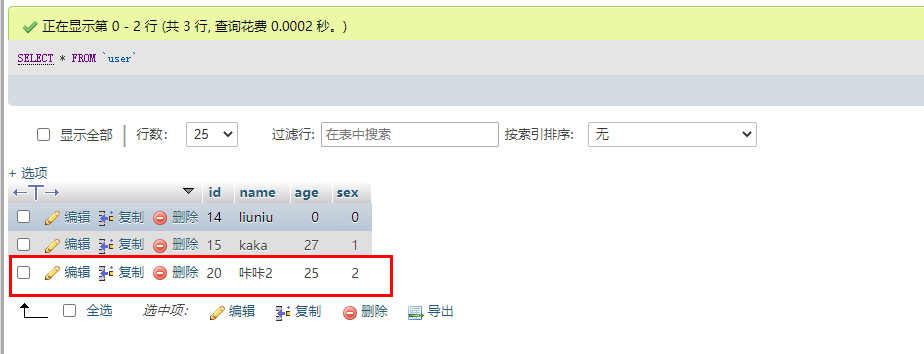
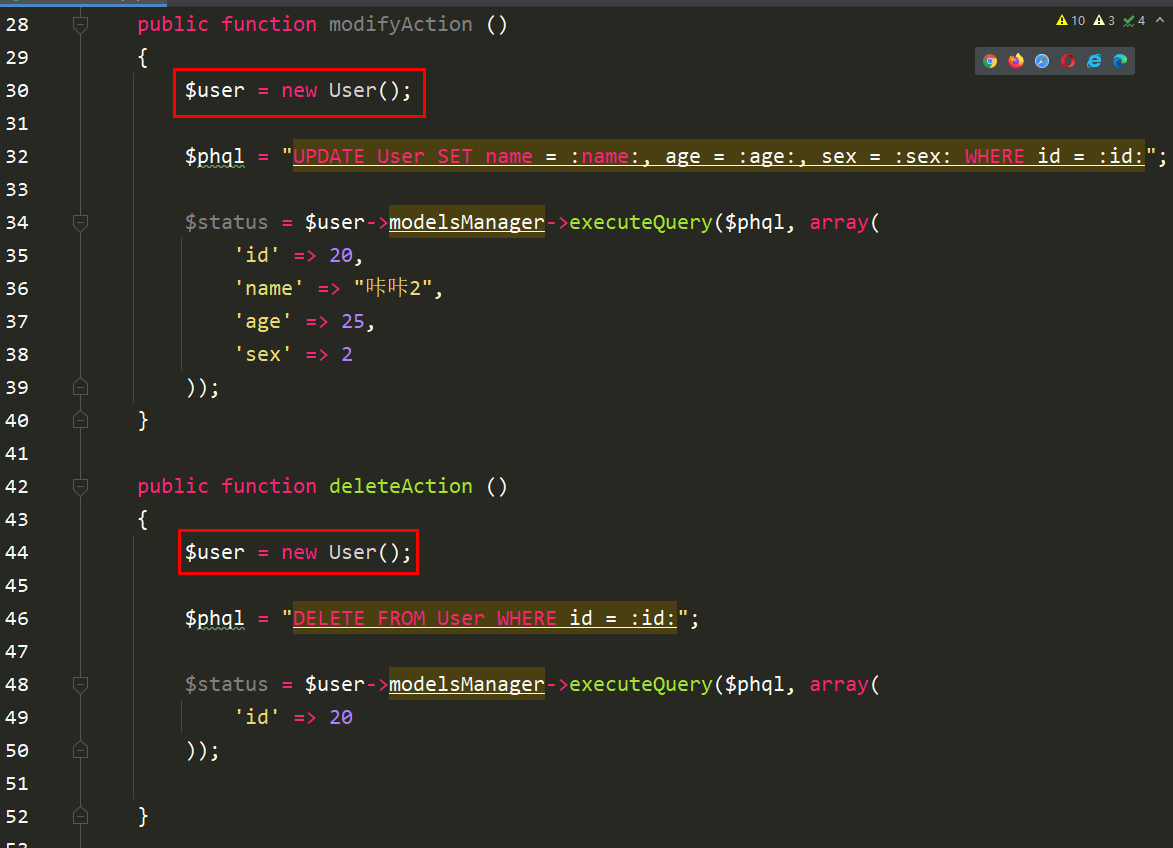
    public function modifyAction ()
    {
        $user = new User();

        $phql = "UPDATE User SET name = :name:, age = :age:, sex = :sex: WHERE id = :id:";

        $status = $user->modelsManager->executeQuery($phql, array(
            'id' => 20,
            'name' => "咔咔2",
            'age' => 25,
            'sex' => 2
        ));
    }
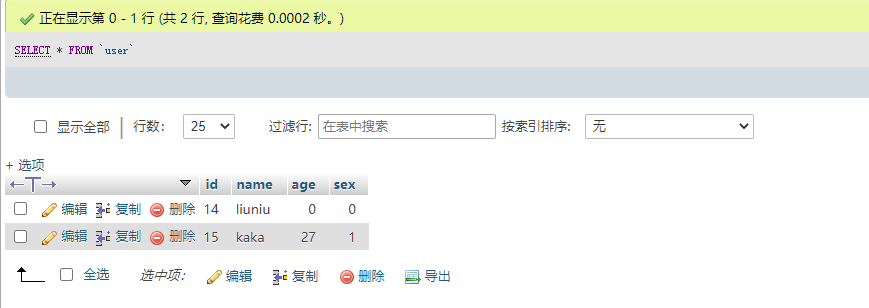
    public function deleteAction ()
    {
        $user = new User();

        $phql = "DELETE FROM User WHERE id = :id:";

        $status = $user->modelsManager->executeQuery($phql, array(
            'id' => 20
        ));

    }
以上就是Phalcon入坑必须知道的功能《Phalcon入坑指南系列 二》的详细内容,更多请关注php中文网其它相关文章!

声明:本文原创发布php中文网,转载请注明出处,感谢您的尊重!如有疑问,请联系admin@php.cn处理
- 上一篇:Phalcon在Windows上安装 《Phalcon入坑指南系列 一》
- 下一篇:没有了